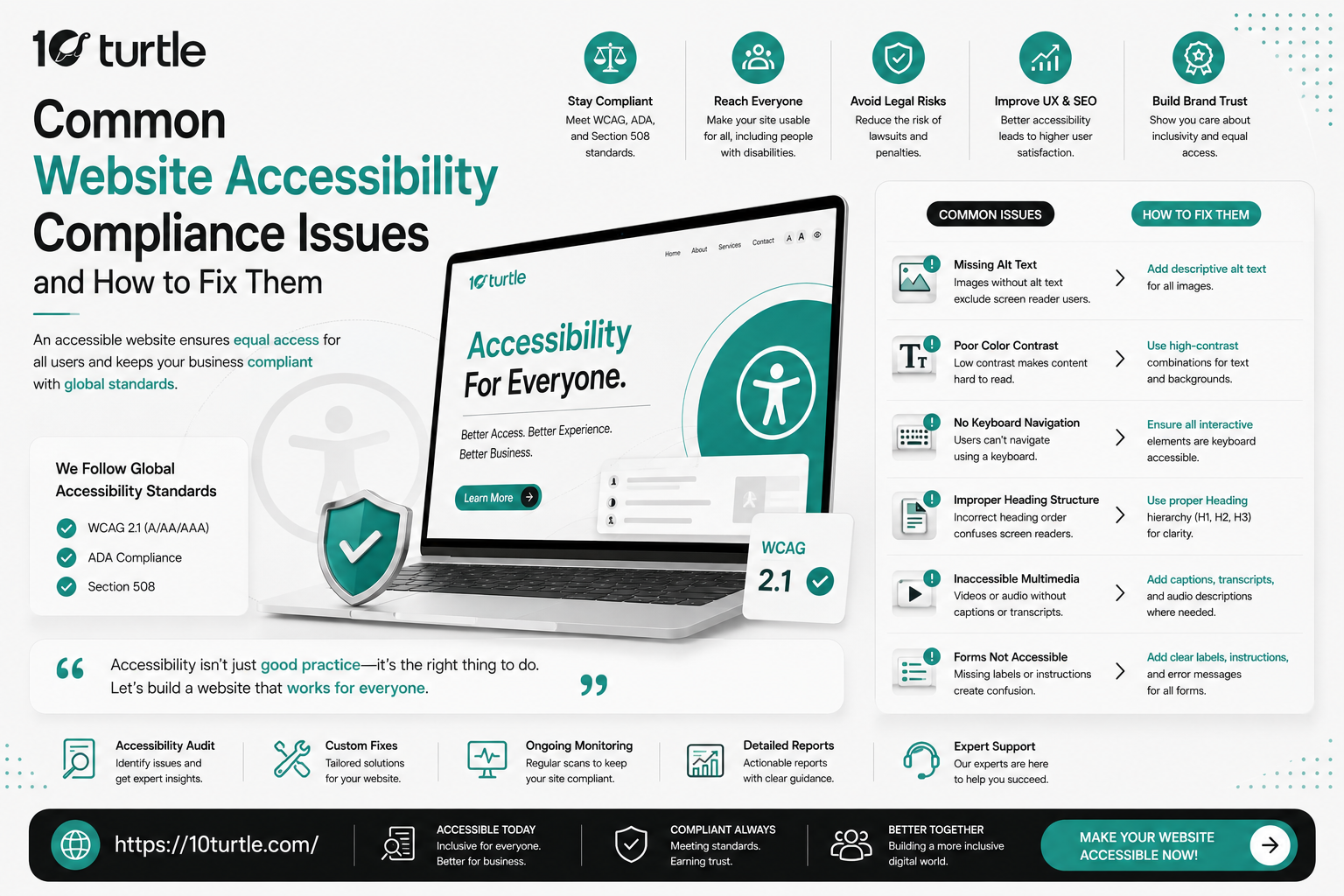
Website Accessibility Compliance: Key Standards Every Website Should Follow
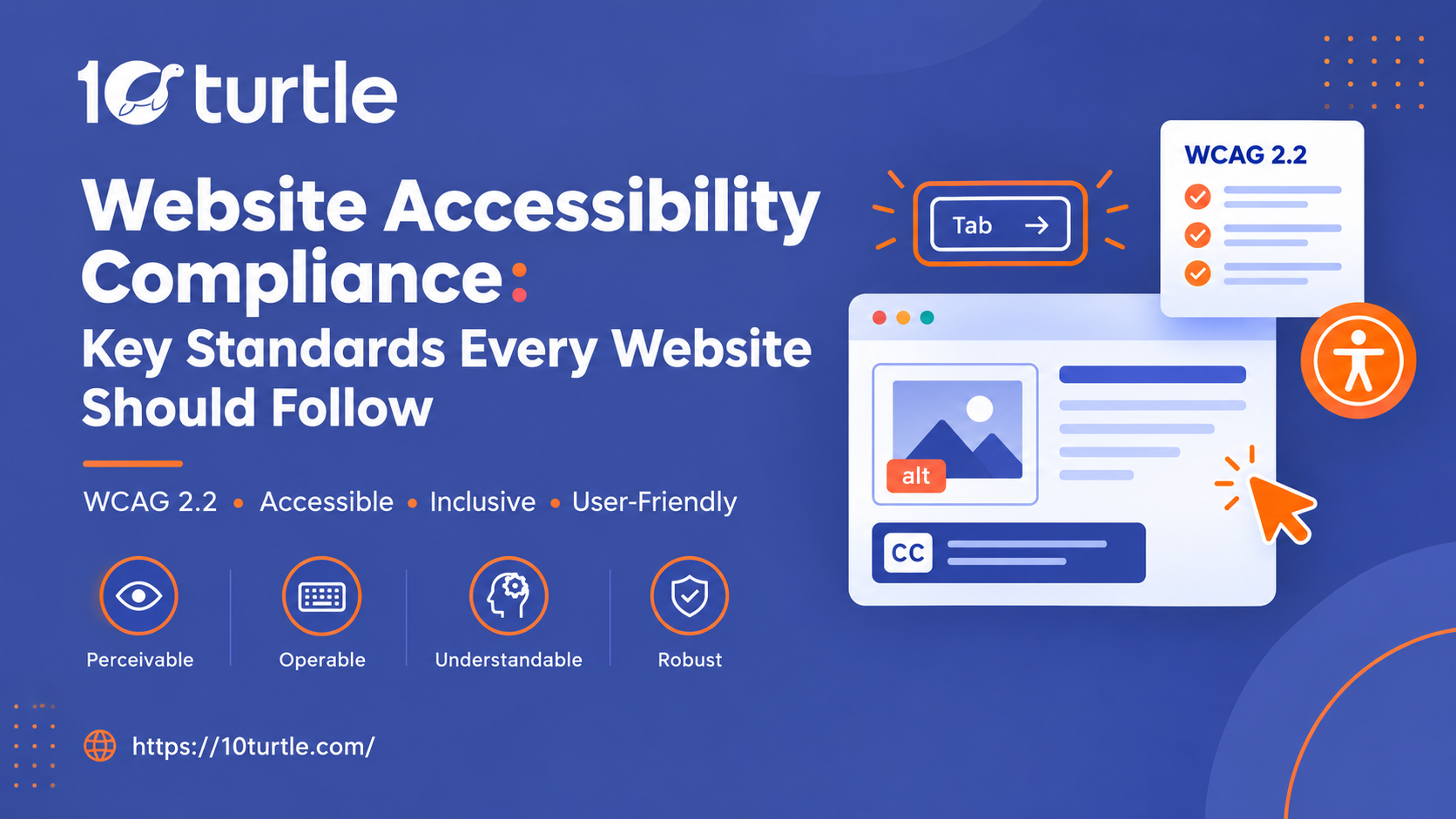
If your business has a website in the United States, website accessibility compliance is now a basic part of running it, not a nice extra. Millions of Americans use screen readers, voice control, switch devices, and keyboard-only navigation to get online. A site that ignores these users loses customers and invites the kind of ADA demand letters and lawsuits that have become routine for businesses of every size. This guide covers the key accessibility standards every website should follow, what each one requires, and how to start meeting them in 2026.
Why Accessibility Standards Matter for Your Website
The ADA doesn't list technical rules for websites, so businesses often ask which accessibility standards they are actually held to. In practice, courts, regulators, and plaintiffs' attorneys almost always point to the Web Content Accessibility Guidelines (WCAG). In 2024, the Department of Justice finalized a rule requiring state and local government websites to meet WCAG 2.1 AA, with compliance dates phasing in from 2026 into 2027 depending on population size. That rule applies to public entities, but it gives private businesses a clear signal of what "accessible" means under Title III of the ADA.
Accessibility also has business upside. Accessible websites reach a larger audience, are easier for everyone to use, and often perform better in search, because clean structure, descriptive text, and fast, logical navigation help both users and crawlers.
WCAG 2.1 and 2.2: The Core Accessibility Standard
WCAG is the international benchmark for web accessibility, published by the W3C. It has three conformance levels: A (minimum), AA (the level most laws and lawsuits reference), and AAA (the most demanding). For most businesses, WCAG compliance means reaching Level AA.
WCAG 2.1 AA is the version most commonly cited today. WCAG 2.2, released in 2023, builds on it with new criteria covering focus visibility, larger touch targets, accessible authentication, and consistent help. Building to 2.2 now means you won't need to rework your site when it becomes the expected benchmark.
What to do: Choose WCAG 2.1 AA as your baseline, adopt the 2.2 additions in new designs, and record your target in an accessibility policy.
The Four POUR Principles
Every WCAG requirement traces back to four principles. Content must be:
Perceivable: Users can see, hear, or otherwise detect it. This covers alt text, captions, transcripts, and adaptable layouts. Operable: Users can navigate and interact with it using a keyboard, voice, or other input, with enough time and no seizure-triggering content. Understandable: Text is readable, pages behave predictably, and forms give clear instructions and error messages. Robust: Content works reliably across browsers, devices, and assistive technologies.
Use these as a quick test for any new page, feature, or design. If it fails one of the four, it likely has a compliance gap.
Text Alternatives and Media Accessibility
Images, icons, charts, audio, and video all need equivalents for users who can't see or hear them. Alt text should describe the purpose of an image, not stuff in keywords. Decorative images should use an empty alt attribute (alt="") so screen readers skip them. Videos need accurate captions, and audio content needs transcripts.
What to do: Audit every image and media file, write meaningful alternatives, and add captions before publishing new video.
Color Contrast and Visual Design Standards
Under WCAG, normal text needs a contrast ratio of at least 4.5:1 against its background, and large text needs at least 3:1. Interface elements such as buttons and form borders need 3:1. Information should never rely on color alone, so an error state, for example, needs an icon or text label as well as red.
What to do: Check your brand palette with a free contrast checker, allow text to resize to 200% without breaking the layout, and avoid low-contrast placeholder text.
Keyboard Accessibility and Screen Reader Compatibility
Every function on your site must work without a mouse. Menus, forms, carousels, modals, and dropdowns should be reachable with the Tab key, operable with Enter, Space, and arrow keys, and show a visible focus indicator. Screen reader compatibility depends just as much on structure: a logical heading hierarchy, labeled form fields, descriptive link text, and landmarks such as header, nav, main, and footer.
Use semantic HTML first. ARIA attributes are helpful for custom components, but they should support native HTML, not replace it.
What to do: Unplug your mouse and complete your main user journeys. Then test with a screen reader such as NVDA, JAWS, or VoiceOver.
Section 508 and Related Legal Requirements
Section 508 of the Rehabilitation Act requires federal agencies, and vendors selling to them, to make digital content accessible, and it now incorporates WCAG 2.0 AA. If you sell software, services, or web products to government clients, you may also be asked for an Accessibility Conformance Report (ACR) based on the VPAT template. Even outside government work, Section 508 is a useful reference point during an accessibility audit.
What to do: Know which laws apply to your business (ADA Title III, Section 508, or state laws such as California's Unruh Civil Rights Act) and keep documentation of your compliance efforts.
Ongoing Testing, Audits, and an Accessibility Statement
Accessibility is not a one-time project. New pages, plugins, redesigns, and third-party widgets can each introduce fresh problems. A sustainable approach combines automated scans, manual testing, and testing with real assistive technology users. Automated tools catch only a portion of WCAG issues, so manual review matters.
What to do: Run a full website accessibility audit at least once a year and after every major update. Publish an accessibility statement with a contact method so users can report barriers, and fix reported issues promptly.
Quick Website Accessibility Compliance Checklist
Target WCAG 2.1 AA, with WCAG 2.2 criteria in new work
Descriptive alt text on all meaningful images 4.5:1 contrast for normal text
Full keyboard access with a visible focus indicator
Proper heading structure and labeled forms
Captions and transcripts for audio and video
Accessibility statement and a feedback channel
Annual audits and testing after major changes
How 10Turtle Builds Accessible Websites
Accessible design and good design are not in conflict. At 10Turtle, accessibility standards are built into the web design and development process from the start, from accessible color palettes and clean semantic code to testing with assistive technology before launch. The goal is a site that works for every visitor and holds up against ADA compliance expectations for small businesses and larger organizations alike.
Frequently Asked Questions
What is website accessibility compliance?
It means designing and building a website so people with visual, auditory, motor, and cognitive disabilities can use it effectively. Compliance is usually measured against WCAG.
Which accessibility standards should my website follow?
Most US businesses should target WCAG 2.1 Level AA and adopt WCAG 2.2 criteria as they build new pages. Businesses that work with government clients should also consider Section 508 requirements.
Is website accessibility legally required in the USA?
The ADA doesn't name technical web standards, but courts have applied Title III to business websites, and the DOJ's 2024 rule sets WCAG 2.1 AA for public-sector sites. In practice, WCAG AA is the expected benchmark.
What is the difference between WCAG A, AA, and AAA?
Level A covers the most basic requirements, AA addresses the most common barriers and is the standard most laws reference, and AAA is the strictest and rarely required across an entire site.
How often should I audit my website for accessibility?
At least once a year, and after any redesign, new feature launch, or major content update.
Do accessibility overlays make my site compliant?
Not by themselves. Overlay widgets can't fix underlying code problems, and they have been named in accessibility lawsuits. Fixing the site itself is the reliable route.